August 22, 2026
Apple Gift Card: What It Is, How It Works, and How to Redeem It
Learn what an Apple Gift Card is, what you can buy with it, how Apple Gift Card balance works, and how to redeem your card on iPhone, iPad, Mac, or Windows PC.
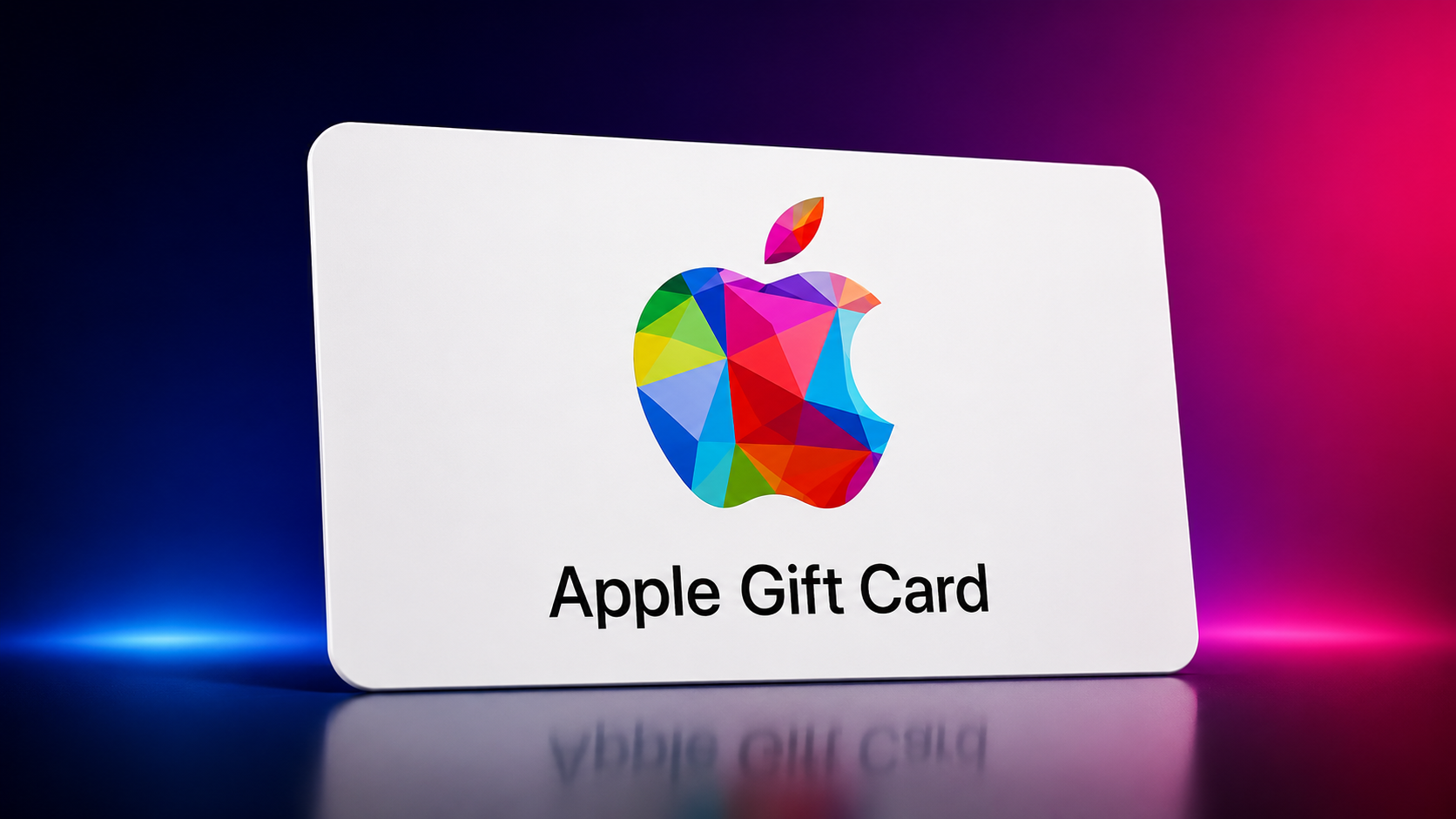
Apple Gift Card: What It Is, How It Works, and How to Redeem It
Apple Gift Cards are a convenient way to add funds to your Apple Account and purchase Apple products, apps, games, subscriptions, entertainment, and other eligible Apple services. They can be a great option for gamers, Apple users, and anyone who regularly purchases digital content.
❓ What Is an Apple Gift Card?
An Apple Gift Card is a prepaid gift card that can be redeemed to add money to your Apple Account balance. Once redeemed, the balance can be used for eligible purchases from Apple.
Depending on the country or region where the Apple Gift Card is supported, you can use the balance for products and accessories, apps, games, in-app purchases, music, movies, books, subscriptions, and iCloud+.
Apple confirms that available products and services can vary by country or region.
❓ What Can You Buy With an Apple Gift Card?
After redeeming your card, the balance can be used for many Apple purchases, including:
- Apps and games from the App Store
- In-app purchases
- Apple Music subscriptions
- Apple TV subscriptions and content
- Apple Arcade
- iCloud+ storage
- Apple Books
- Movies and other eligible entertainment
- Eligible Apple products and accessories in supported countries and regions
Some purchases or subscriptions may require another valid payment method to be attached to your Apple Account.
❓ How Does an Apple Gift Card Work?
The process is simple:
Buy Apple Gift Card → Receive the Code → Redeem the Code → Balance Is Added → Use the Balance for Eligible Apple Purchases
When you redeem an Apple Gift Card, the value is added to your Apple Account balance. You can then use that balance for eligible Apple purchases and services.
❓ How to Redeem an Apple Gift Card on iPhone or iPad?
Follow these simple steps:
- Find the 16-digit code on your gift card.
- Open the App Store.
- Tap your profile picture or the sign-in button.
- Select Redeem Gift Card or Code.
- Choose Use Camera to scan the code, or enter the code manually.
- Enter the code and tap Redeem.
The gift card value will be added to your Apple Account balance after successful redemption.
❓ How to Redeem an Apple Gift Card on Mac?
- Open the App Store on your Mac.
- Click your name or the sign-in button.
- Select Redeem Gift Card.
- Scan the code with your camera or enter the code manually.
- Follow the instructions and complete the redemption.
Mac users can redeem Apple Gift Cards directly through the App Store.
❓ How to Redeem an Apple Gift Card on Windows PC?
On Windows, you can use the Apple Music or Apple TV app.
- Open Apple Music or Apple TV.
- Sign in to your Apple Account.
- Click your name at the bottom of the sidebar.
- Select Redeem.
- Enter your gift card code.
- Follow the instructions to complete the redemption.
❓ Why Is It Important to Check the Gift Card Region?
One of the most important things to check before purchasing an Apple Gift Card is the country or region.
Apple Gift Cards are generally intended for use in the country or region where they were purchased. Therefore, make sure the gift card region matches the Apple Account region where you plan to redeem it.
For example, if you need a USA Apple Gift Card, make sure you have an Apple Account that supports the USA storefront before attempting to redeem it.
❓ What If the Gift Card Isn't Redeeming?
If your Apple Gift Card doesn't redeem, check the following:
- Make sure the code was entered correctly.
- Confirm that the card has not already been redeemed.
- Check that your Apple Account region matches the gift card's supported region.
- Make sure you are signed in to the correct Apple Account.
- If the problem continues, contact Apple Support.
Never share your unused gift card code publicly or with unknown people.
❓ Is an Apple Gift Card Safe?
Apple Gift Cards are legitimate Apple payment products when purchased from an authorized source. However, gift card scams are common.
Apple specifically warns users not to use Apple Gift Cards to pay for products or services that are not sold by Apple.
If someone asks you to pay a bill, fine, debt, or another unrelated service using an Apple Gift Card, it may be a scam.
❓ Where Can You Buy Apple Gift Cards?
Apple Gift Cards can be purchased through Apple and, depending on the country or region, from participating retailers and authorized sellers.
If you're purchasing from an online reseller, always check that the seller provides the correct region, a genuine unused code, and clear delivery and support policies.
Gamerz TopUp provides Apple Gift Cards in different denominations and regions, with digital delivery and customer support.
❓ What Should You Check Before Buying an Apple Gift Card?
- Check the region: Make sure the card matches your Apple Account region.
- Check the amount: Confirm the denomination before purchasing.
- Check the seller: Buy from a trusted source.
- Protect the code: Never share your unused code with strangers.
- Keep your order information: Save your purchase details for future support.
❓ Can Apple Gift Cards Be Used for Games?
Yes. Where supported, Apple Account balance can be used for eligible games, apps, and in-app purchases through the App Store.
❓ Can Apple Gift Cards Be Used for Subscriptions?
Apple Account balance can be used for eligible Apple subscriptions and services, depending on your country or region and Apple's current payment rules.
❓ What Should You Do If Your Gift Card Does Not Work?
First, check the code, redemption status, Apple Account region, and the account you're signed into. If the issue continues, contact Apple Support.
❓ Final Words
Apple Gift Cards are an easy way to pay for eligible Apple products, apps, games, subscriptions, entertainment, and services.
The most important things to remember are to choose the correct region, redeem the code on the correct Apple Account, and keep your gift card code private.
Before purchasing, always confirm that the card is compatible with your Apple Account's country or region.
🛒 Need an Apple Gift Card?
Visit Gamerz TopUp to check available Apple Gift Card denominations and regions.
www.gamerztopup.com